Ask your tenant a question.
Nuvio answers from your live tenant, with the rows it read. Switch an action on and it can do that work too, with your permissions.
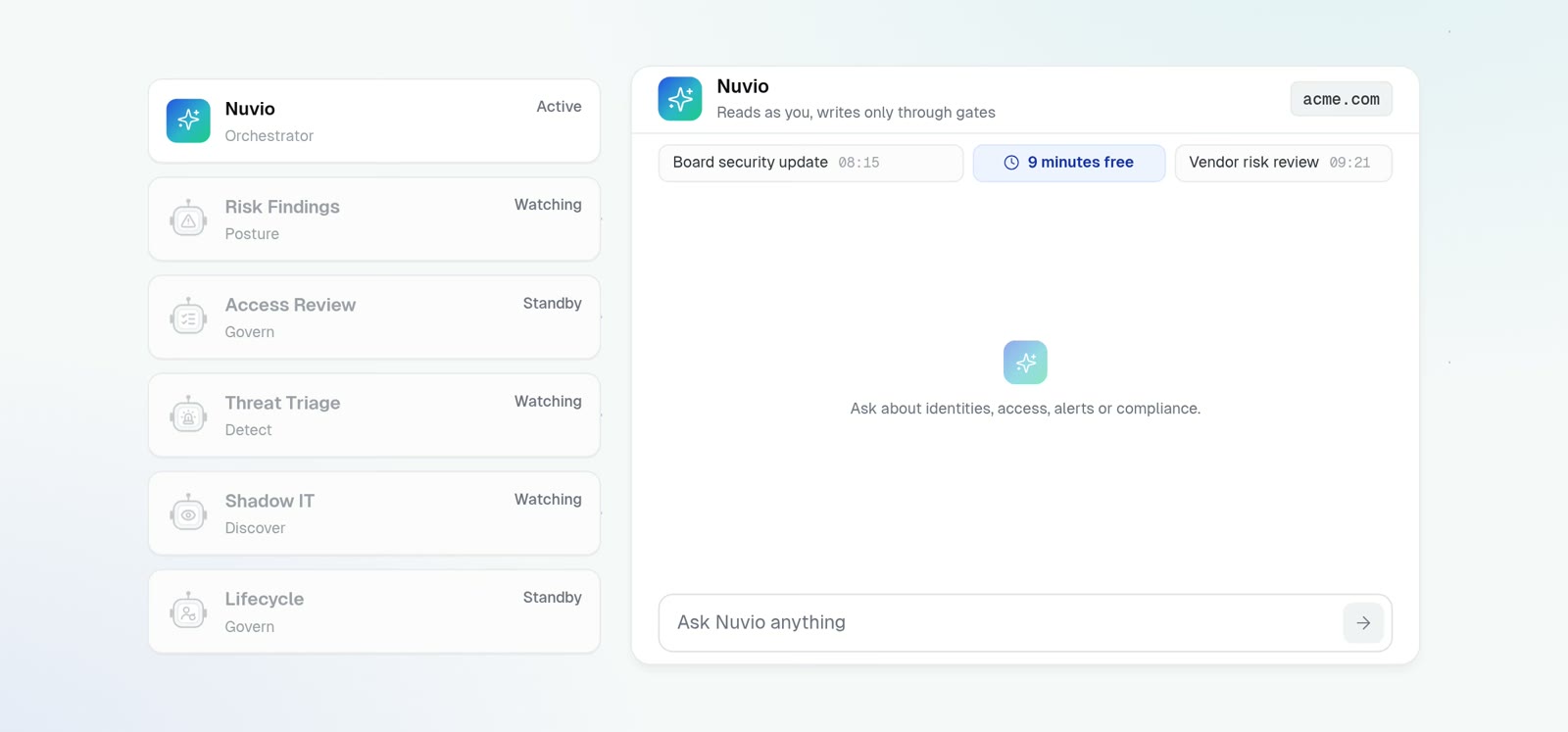
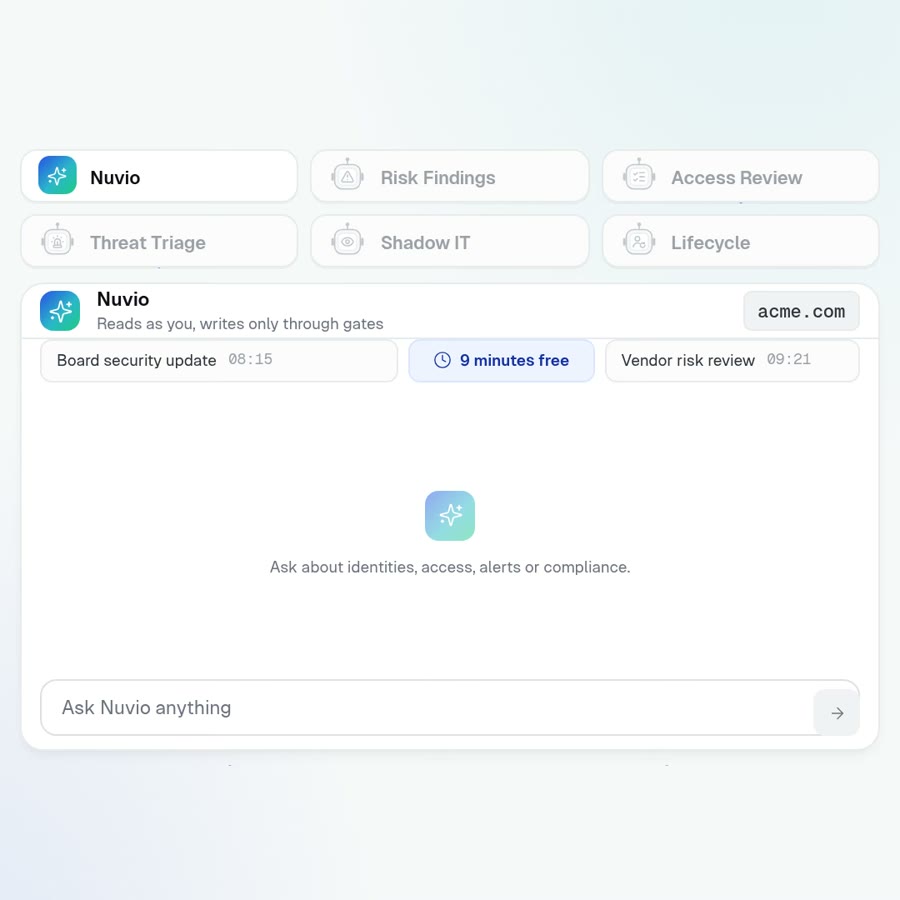
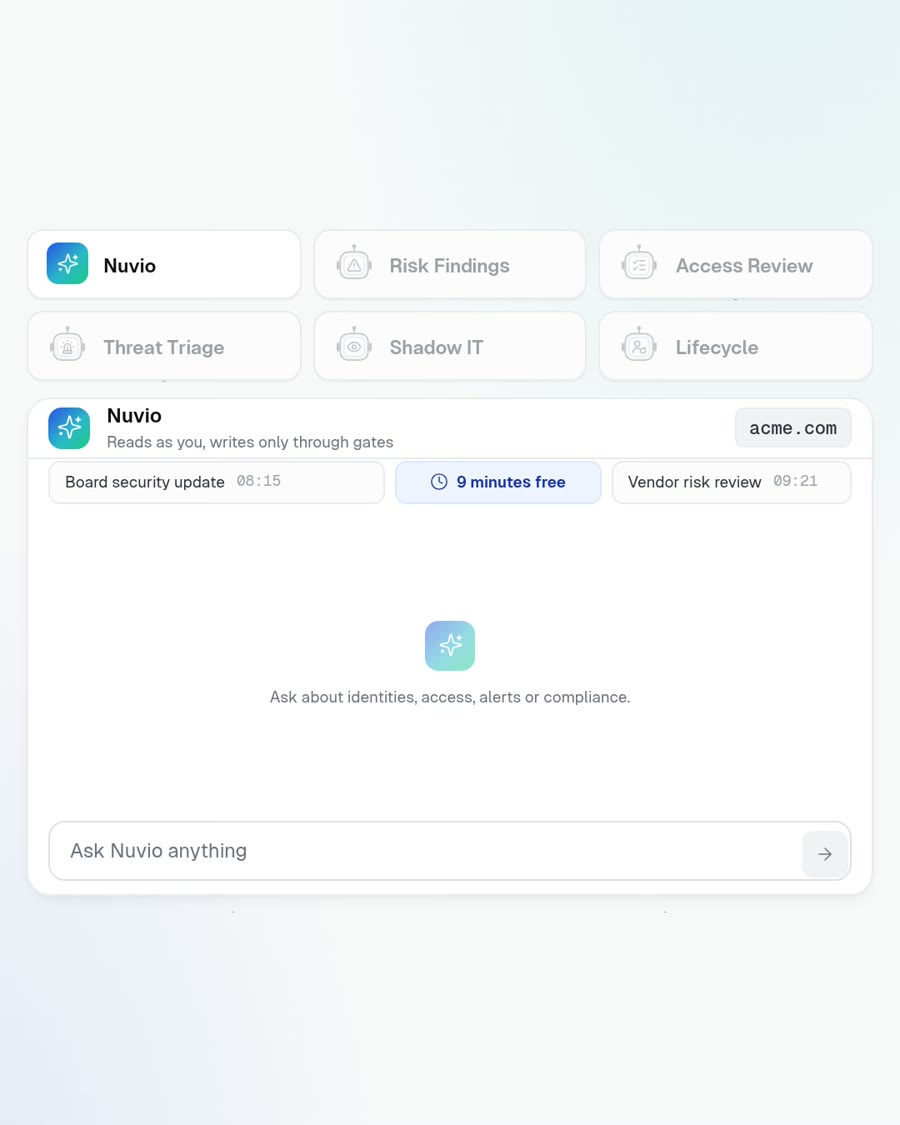
Nuvio comes with every product. There is no AI add-on to buy.
Ask once and the specialists who hold the answer reply.
Pick a question below and watch one turn. Two of them end in an action you approve.
Who still has admin they never use?
Nine people hold Global Administrator and have not signed in with it for ninety days.
- 41 accounts hold the role in total. These nine are the tail
- Three of the nine have never appeared in a review
- Between them they reach twelve applications
Create a targeted review for each of the nine accounts
Ask first is on for this action. The card expires in 15 minutes and runs once.
- Governwho holds what access
- Detecthow they behave
- Discoverwhat apps they reach
- Posturehow the tenant is set up
Read 6 sources, changed nothing, logged all of it.
Each of these screens is one question away.
Ask in your own words, and the answer names the records it read.
Nothing runs until an admin turns it on.
Each action carries its own switch and its own mode, Ask first or Auto. The rules below hold whichever you pick.
Every action ships off
An action with no policy row does not run. Write-back to your directory is a second switch, set per connection, and every task there ships off too.
You choose Ask first or Auto, per action
A Careful switch on any chat makes even an Auto action ask first.
You approve once, within 15 minutes
An approval card is a single-use token. It expires, it runs exactly once, and only the person who asked can approve it.
Nuvio runs as you
It inherits your role and organization scope. Every gate is checked again at the moment the action runs.
Each turn writes one audit record
It lists the agents consulted, the tools called and the records touched, and it is written even when the request fails midway.
Tool output is data, never instructions
Everything a tool returns is framed as data before the model sees it. A hostile display name in your directory stays text.
A bolt-on chatbot runs wider than you. Nuvio cannot.
The chatbot brings its own service account and its own judgment. Nuvio brings your permissions and a switch that ships off.
Each specialist owns one screen.
Your question goes to the specialist that owns that screen. Here is each one with a question it answers.
Access Review Agent
“Chase whoever hasn’t responded to the Finance review”
Lifecycle Agent
“Offboard m.reyes and revoke everything today”
Policy and Workflow Agent
“Alert me when a contractor gets an admin role”
Threat Triage Agent
“Is the alert on Jaime Rivera worth waking someone for?”
Investigation Agent
“Show me the full chain behind INC-1107”
Response Agent
“Contain this account until we know more”
Shadow IT Agent
“Which AI tools did people start using this week?”
App Catalog Agent
“Find every application with no owner”
SaaS Spend Agent
“Is every Salesforce seat worth renewing?”
Risk Findings Agent
“What is our single riskiest exposure right now?”
Config Drift Agent
“What changed in our tenant settings since Friday?”
An answer in one becomes an action in another.
Each product works alone. Sharing one graph is what lets a finding here open the review there.
PosturetoGovern
A finding on one account or one application opens a review of exactly that access. It closes once every denial has been revoked.
DiscovertoGovern
A review of an application puts each person's last use on the row and flags any access unused for ninety days.
DetecttoGovern
After an incident, ask Nuvio in the same conversation to review what that account still holds.
A security team should not spend its day in menus.
Ask the question, read the answer with its source, approve once. The console stays for the times you want to look for yourself.